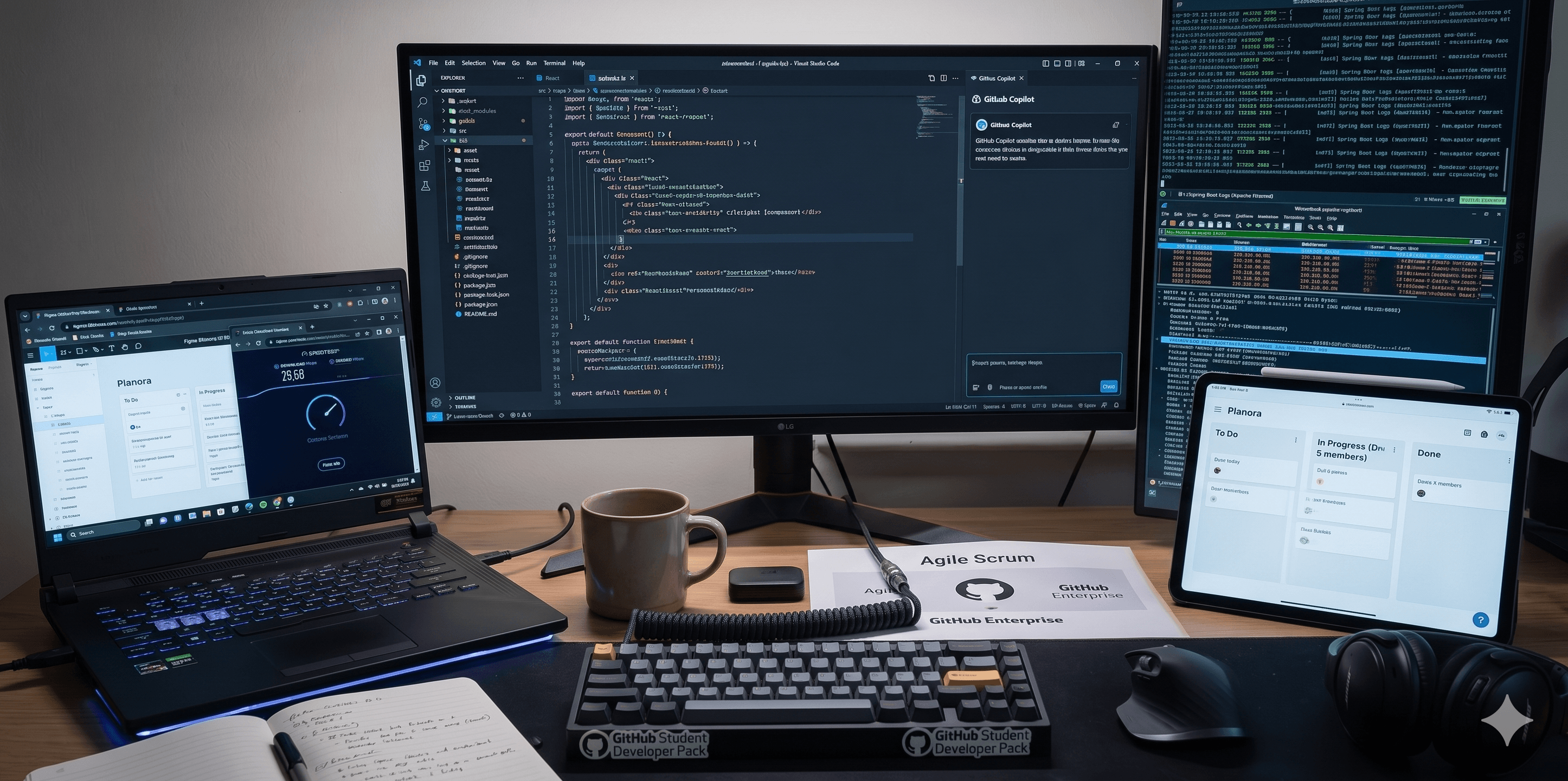
Every developer's setup is a record of their scars. The tools I use today came from trying things that didn't work, wasting hours on the wrong workflow, and gradually trimming everything down to what actually helps me ship.
This is that list — honest, opinionated, and current as of mid-2026. No sponsor deals, no fluff. Just what's open on my machine right now.
I've tried Cursor, Zed, and IntelliJ. I keep coming back to VS Code — not because it's the best at any one thing, but because the ecosystem is unmatched and it handles both my frontend and backend work without switching contexts.
Setup: One Dark Pro theme · JetBrains Mono 14px · minimal sidebar · ⌘P for everything.
Extensions I actually use:
Running the Claude Sonnet model inside Copilot. I use it daily — mostly for boilerplate, Spring Boot service scaffolding, and writing tests I'd otherwise skip.
Honest take: Copilot is genuinely useful for accelerating the predictable parts of development — DTOs, repository methods, test stubs. It struggles with architectural decisions and anything that requires understanding your full codebase context. I treat it like a fast junior dev: useful, but needs reviewing.
Postman (Freemium) — for testing REST and WebSocket APIs during Planora development. Collections organized per domain: auth, tasks, documents. The free tier is enough for a solo dev or small team.
Bruno (Free / Open source) — a newer Postman alternative that stores collections as plain files in your repo. No cloud sync, no account required. I've been slowly migrating to this — the Git-native workflow is excellent.
My entire design workflow lives here. For NexaFlow I produced full desktop and mobile screens — logistics dashboard, carrier marketplace, live map, tenant admin — all in Figma before writing a line of code. I use Auto Layout almost exclusively and keep a shared component library per project.
Designing before coding isn't a slowdown — it's the only way I've found to avoid rebuilding the same UI three times.
I work entirely in the terminal for Git — no GUI clients, just plain commands in the VS Code integrated terminal.
git status
git add .
git commit -m "message"
git push origin branch-name
git log --oneline --graph
GitHub CLI (`gh`) — for creating PRs, checking CI status, and managing issues without touching the browser. gh pr create and gh run watch are the ones I use most.
Notion (Freemium) — my second brain. Project planning, SRS documents, architecture notes, sprint tracking. The Planora audit report, NexaFlow SRS, and every major technical decision I've made in the past year lives in a Notion page.
Obsidian (Free) — for personal notes and writing drafts including blog posts. Stores everything as plain Markdown files locally. No account, no cloud.
---
This list will change. Half of what I used two years ago isn't here anymore. The tools that stuck are the ones that got out of the way — fast, reliable, and focused on one thing.
The best dev tool is the one you stop noticing. If you're thinking about the tool, it's not doing its job.
If you're building something similar — Spring Boot backend, Next.js frontend, working solo or in a small team — I hope this saves you some of the trial-and-error time I spent. Drop a comment with anything I should try.
Newsletter
Occasional notes on full-stack craft, polished interfaces, and building a portfolio with real signal.
Sign in with GitHub to leave a comment or reaction
Related